
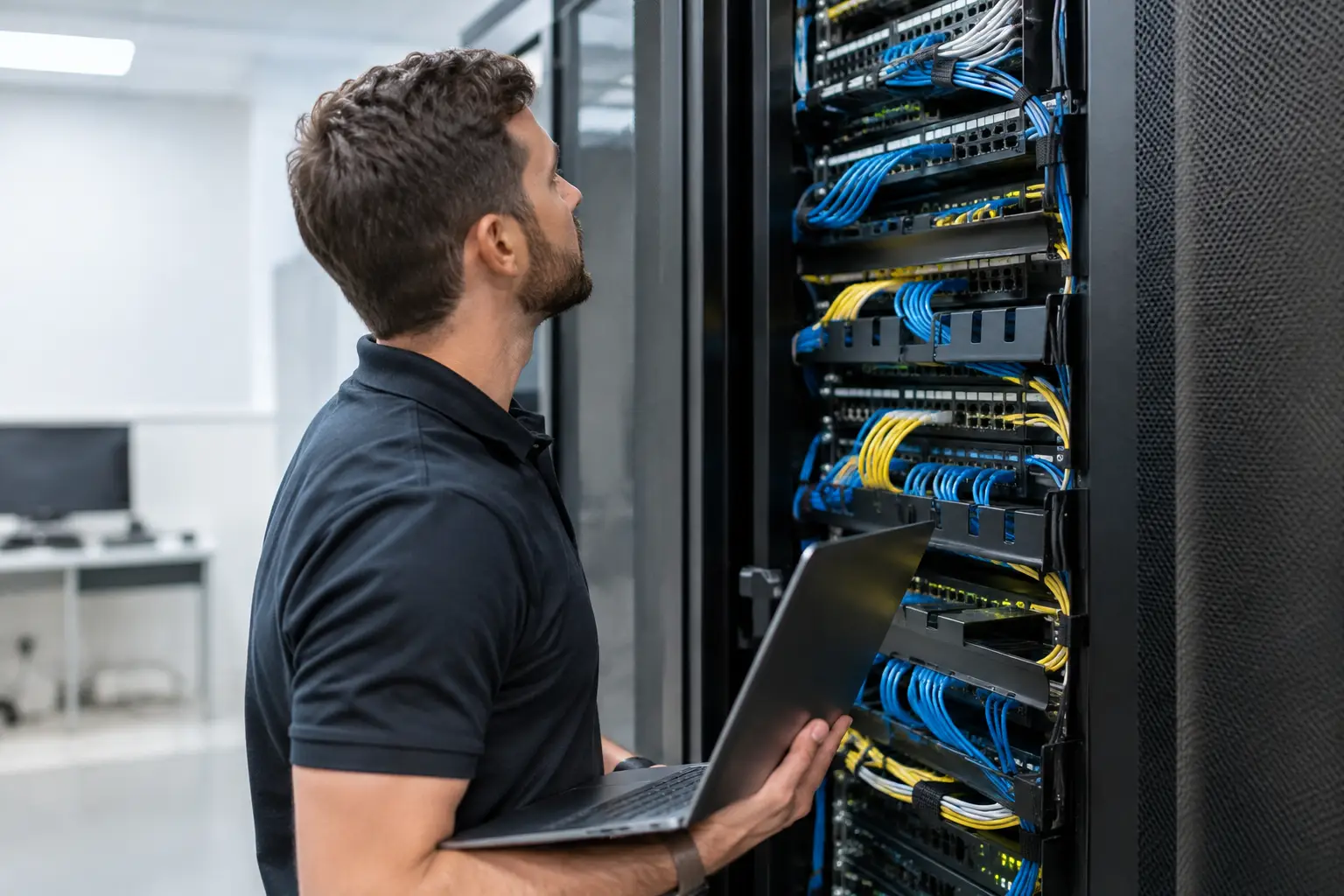
A network closet can look orderly and still be one failed power supply, blocked vent, or undocumented patch cord away from an outage. For property and operations leaders, knowing how to audit network closets is not about making racks look neat. It is about verifying that the infrastructure supporting connectivity, access control, cameras, building systems, and tenant operations can be operated, recovered, and governed.
The strongest audits treat each closet as part of a larger built environment. Cabling, electrical capacity, cooling, physical access, network configuration, and service ownership all meet in a small room. If each discipline audits only its own piece, the organization inherits the gap between them.
Start With Scope and Ownership
Do not begin by walking closets with a clipboard and no defined standard. First identify every room that functions as a telecommunications room, intermediate distribution frame, main distribution frame, or equipment closet. Include spaces that have accumulated critical devices over time, even if they were never designed to house them.
For each location, establish a named owner for the room, the network equipment, the building conditions, and corrective actions. One person does not need to perform every repair, but someone must be accountable for moving findings to closure. A report with no owner, due date, and verification method is an observation log, not an audit.
Define the operational impact of each closet before assigning priority. A closet serving a single office suite does not carry the same consequence as one supporting multiple floors, perimeter security, wireless coverage, elevators, or building automation. Criticality should shape the depth of review, redundancy expectations, remediation timeline, and escalation path.
How to Audit Network Closets in the Right Order
A practical audit moves from conditions that can cause immediate failure to conditions that make failure harder to diagnose or recover from. Start at the room boundary, then inspect power and environment, equipment and cabling, and finally the records and operating controls behind the installation.
Confirm the room is fit for technology
The room itself is the first control. Check that walls, doors, ceilings, and penetrations protect equipment from unauthorized access, water, dust, and physical damage. Telecom closets often become convenient storage rooms. Boxes, paint, cleaning supplies, furniture, and contractor materials can obstruct service access, add fire load, restrict airflow, or create an accidental disconnect risk.
Look for signs of water exposure above, below, and around the racks. Ceiling stains, open penetrations, pipework without appropriate protection, damp floors, and corrosion are not cosmetic findings. They indicate a risk that can take down an entire service area. Also verify that equipment has adequate working clearance and that doors can be opened without striking cabinets or blocking egress.
Temperature management deserves a measured check, not a quick judgment from the doorway. Record current temperature and humidity where practical, review any available environmental alarms, and inspect airflow around switches, firewalls, uninterruptible power supplies, and patch fields. A closet may feel cool during a site visit but overheat after hours when building HVAC schedules change or when a failed fan goes unnoticed.
Verify power from source to equipment
Power failures frequently expose the difference between installed equipment and managed infrastructure. Identify the electrical panels and circuits serving the closet, then confirm circuit labels are accurate and accessible. A panel schedule that does not match field conditions delays recovery and increases the chance of shutting down the wrong load during an incident.
Inspect receptacles, power distribution units, surge protection, and cable routing. Daisy-chained power strips, loose plugs, extension cords used as permanent infrastructure, overloaded circuits, and unprotected power cords are immediate concerns. So is a rack that has a UPS but no documented runtime requirement, no load information, and no defined battery maintenance process.
Test what can safely be tested. Confirm that UPS units report normal status, that their batteries are within their supported lifecycle, and that alerts reach a monitored destination. The right test depends on operational risk. A controlled transfer test may be appropriate in a planned maintenance window, while a visual and telemetry-based inspection may be the safer initial step for a high-impact closet. The key is to distinguish evidence from assumption.
Inspect racks, equipment, and cabling
Rack organization affects more than appearance. Equipment should be securely mounted, labeled, and positioned to support airflow and service access. Identify unsupported hardware, end-of-life devices, exposed modules, failed fans, missing blanks where they matter, and equipment with no clear operational purpose.
Trace a reasonable sample of critical connections from patch panel to switch port and from network device to its power source. You are looking for labels that match records, strain relief, proper pathway use, and a layout that allows technicians to work without disturbing unrelated services. Dense cable bundles are not automatically a failure, but unmanaged bundles make moves, adds, changes, and incident response slower and riskier.
Pay special attention to mixed-use closets. Security controllers, cameras, wireless equipment, building automation gateways, carrier demarcation equipment, and user network gear may share the same rack. That can be acceptable, but the dependencies must be visible. When a switch reboots, leadership should know whether the impact is limited to desk connectivity or includes doors, surveillance, life-safety interfaces, or mechanical systems.
Check physical security and vendor access
A locked door is only one part of access control. Review who can enter the room, how access is granted, whether access is logged, and how quickly former employees, tenants, contractors, and vendors are removed. Keys with no issuance record are a governance problem, particularly in multi-tenant or contractor-heavy properties.
Inspect for shared credentials, unlabeled remote-management devices, exposed console ports, and network gear left accessible to anyone who enters the room. Physical access can become cyber access quickly. Documented procedures should state who may escort vendors, what work may be performed, how changes are approved, and how work is validated before the room is returned to service.
Compare Field Conditions to Documentation
The audit is incomplete until field conditions are reconciled with the records used to operate the environment. Review rack elevations, floor plans, pathway drawings, circuit schedules, cable labels, device inventories, network diagrams, IP address records, and support contacts. None must be perfect to be useful, but material mismatches must be identified and assigned.
Ask a simple recovery question: if the primary technician is unavailable and a critical switch fails tonight, can another qualified person identify the closet, enter it, find the correct device, understand its upstream dependency, obtain approved replacement information, and restore service without guessing? If the answer is no, documentation is not an administrative task. It is an outage multiplier.
Capture audit evidence consistently. For each finding, record:
- The closet location, rack position, affected asset, and date observed
- The condition found, supported by photographs or measurements when appropriate
- The business or operational impact if the condition persists
- The accountable owner, corrective action, target date, and closure evidence
This format keeps minor housekeeping issues from being confused with high-consequence control failures. It also gives operations leaders a way to track recurring patterns across a portfolio, such as neglected battery replacement, poor labeling after tenant work, or unauthorized equipment added by third parties.
Turn Findings Into a Controlled Remediation Plan
Not every finding requires immediate shutdown or capital work. Separate conditions into immediate safety or availability risks, near-term reliability issues, and planned lifecycle improvements. A blocked electrical panel, overheating equipment, active water intrusion, or unprotected exposed conductors should be escalated immediately. Incomplete rack diagrams may be scheduled, but only after critical dependencies are understood.
Avoid the common mistake of assigning every issue to IT. Facilities may own cooling, electrical distribution, penetrations, and room conditions. Security may own access controls. A network team may own switch configuration and monitoring. Construction teams may need to correct turnover defects. The audit should connect those responsibilities under one operating standard rather than allow each group to close only the items convenient to them.
Require closure validation. If a contractor labels cables, sample the labels against the records. If a UPS battery is replaced, confirm the monitoring system recognizes the unit and alerts are functioning. If storage is removed and airflow is restored, verify temperatures under expected load. Corrective work is complete when the condition and its evidence have both changed.
Make Closet Audits Part of Operations
A one-time audit produces a snapshot. An operating program produces control. Set a review cadence based on criticality, change volume, environmental history, and the age of installed equipment. High-impact rooms may need regular visual checks and continuous monitoring, while lower-risk closets can follow a less frequent schedule.
The most useful result is not a cleaner room or a longer spreadsheet. It is a network closet that has a known purpose, documented dependencies, monitored conditions, controlled access, and a named path to recovery. That is how a small room stops being a hidden point of failure and becomes infrastructure the organization can trust.