
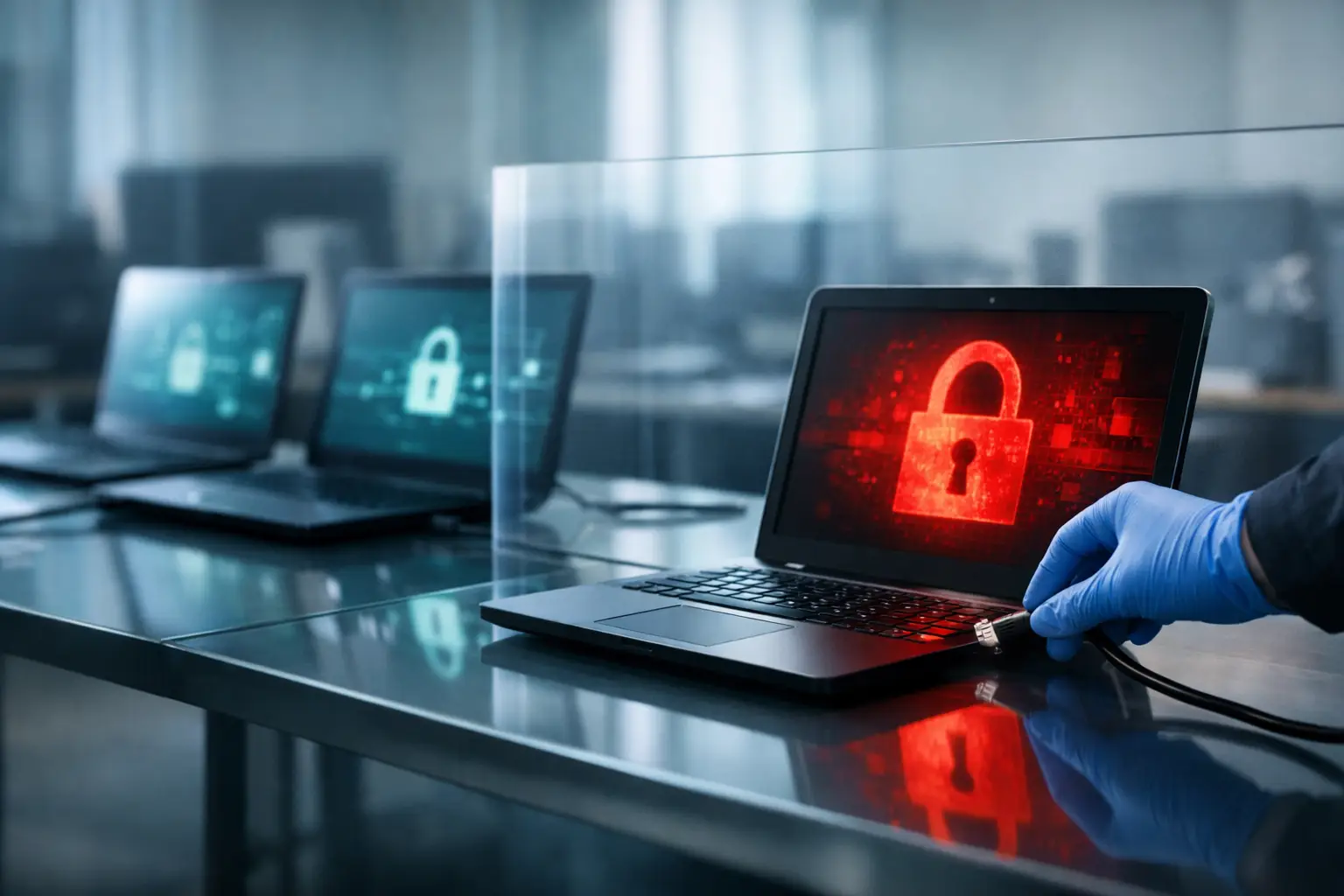
A suspicious workstation on an office network is one problem. A compromised controller connected to access control, HVAC, cameras, or a tenant operations platform can become a business continuity event. Knowing how to isolate infected devices is not simply an IT task. It is a coordinated operational decision that must contain risk without accidentally disrupting life-safety functions, building services, evidence collection, or tenant operations.
The most damaging delays usually come from uncertainty. Nobody knows who can authorize a shutdown, which switch port serves the affected device, whether a system has a safe manual mode, or which vendor owns the credentials. That is not a malware problem. It is an ownership and documentation problem exposed by malware.
Isolation starts with a decision, not a cable pull
The purpose of isolation is to stop an infected asset from communicating with systems it could damage, encrypt, probe, or use to spread. That may mean disconnecting a device from the network, disabling its switch port, revoking remote access, quarantining it through network controls, or shutting down a virtual workload.
The right action depends on what the device does. A staff laptop showing ransomware indicators can usually be removed from the network immediately. A server supporting a revenue-critical application may require a controlled failover before isolation. A building automation controller could affect occupied spaces, equipment sequencing, or regulated operations if it is powered down without coordination.
Do not treat every device as interchangeable. The operating objective is simple: contain the threat while preserving safe, essential operations. That requires IT, facilities, security, and operational leadership to work from the same incident authority.
How to isolate infected devices in the first minutes
When compromise is suspected, act on observable facts. Repeated authentication failures, unexpected administrative tools, unusual outbound traffic, disabled security controls, ransomware notes, unexplained configuration changes, or abnormal controller behavior all warrant investigation. Teams do not need perfect certainty before taking a reversible containment action.
First, identify the asset precisely. Confirm the hostname, user, IP address, MAC address, switch port, physical location, system owner, and business function. A name in a monitoring console is not enough when an incorrect port shutdown could take down an adjacent tenant, camera gateway, wireless access point, or operational system.
Next, choose the least disruptive containment method that actually stops communication. For many endpoints, this means disabling the wired switch port and disconnecting wireless access. If the device is part of a managed wireless network, move it into a quarantine segment or block it through network access controls. For virtual machines, isolate the virtual network interface while preserving the machine state for investigation.
Avoid powering off a device by default. Shutting it down can destroy volatile evidence, interrupt forensic review, and create recovery complications. Powering down may be justified if the device is actively damaging systems, presents a safety concern, or cannot be contained through network controls. The incident lead should document why that decision was made.
For any device that supports building operations, contact the accountable facilities or operations owner before taking an action that could halt the device. This does not mean waiting for a long approval chain while an attacker moves laterally. It means using a preassigned authority and a documented emergency operating procedure.
Do not rely on an unplugged network cable alone
A disconnected Ethernet cable may remove one path, but it does not guarantee isolation. The device may have Wi-Fi, cellular connectivity, a second network interface, remote management hardware, or an active connection through another attached system. A technician may also reconnect the cable later without knowing why it was removed.
Network-enforced containment is more reliable because it is visible, logged, and repeatable. Disable the relevant port, place the device in a quarantine policy, block its known addresses, and revoke associated remote-access sessions. If a physical disconnection is necessary, label the cable and record the time, person, and reason.
Protect connected building systems without creating an outage
Commercial environments often mix corporate IT with operational technology. They may share closets, power, pathways, contractors, and occasionally network infrastructure. That proximity is a risk when segmentation is incomplete.
A compromised user network should not be able to reach door controllers, camera management servers, lighting gateways, elevator monitoring, environmental controls, or electrical monitoring systems. When it can, isolation becomes harder because the team must choose between exposure and interruption. Segmentation turns that high-stakes choice into a manageable containment procedure.
Each operational system should have an approved isolation profile. The profile should state what normal communications are permitted, which remote vendors require access, what happens when internet connectivity is removed, and who can authorize a change. It should also identify safe fallback conditions. For example, a controller may continue local schedules without cloud access, while another system may require a staffed manual process.
This is where many facilities are exposed. The IT team knows the firewall rules, but not the operational consequence of removing a controller. The facilities team knows the equipment, but not that an unsupported remote-access appliance has been communicating externally for years. One standard across both teams closes that gap.
Preserve evidence and establish one incident record
Containment should not become an undocumented series of calls, texts, and switch changes. Start one incident record as soon as isolation begins. Record the detection time, affected asset, people involved, observed indicators, containment action, approvals, network changes, and current business impact.
Capture relevant logs before retention periods expire. Depending on the environment, that includes endpoint alerts, authentication records, firewall events, switch logs, wireless activity, remote-access logs, cloud audit trails, and physical-access records. Preserve the original device state where feasible, and do not allow routine support actions to overwrite evidence.
Keep communications disciplined. The incident team needs a current operational view: what is isolated, what remains at risk, what functions are affected, and what decision is required next. Executives and property leaders need the impact, accountability, and recovery posture without technical noise. Vendors should receive only the access and information required to support the approved response.
Recovery is a separate authorization
An isolated device is not safe simply because it is quiet. Before reconnecting it, determine the scope of compromise and the recovery method. In many cases, rebuilding from a known-good image is safer than attempting to clean an endpoint. For servers and operational systems, restoration may require validated backups, configuration comparison, credential rotation, and functional testing.
Do not reconnect an asset to production just because a scan no longer detects malware. Confirm that unauthorized accounts are removed, security tools are active, patches are current, remote access is reviewed, and the underlying entry point has been addressed. If the device was compromised through reused credentials, insecure vendor access, or an exposed management interface, reconnecting it without correcting that condition simply restores the attack path.
For building systems, test more than network reachability. Validate alarms, schedules, operator access, device communications, integrations, and failover behavior. A camera system that responds to a ping but cannot record, retain footage, or alert operators is not recovered. Final acceptance should be based on the operating function, not a green status light.
Build the isolation plan before the next alert
Fast containment depends on preparation. Maintain an asset inventory that connects each critical device to an owner, location, network segment, support contact, and business function. Keep network diagrams current enough to identify ports, uplinks, VLANs, and remote connections without relying on one person’s memory.
Define incident roles in advance. Someone must have authority to isolate an endpoint, someone must approve changes affecting building systems, someone must manage communications, and someone must own the decision to return assets to service. Shared responsibility often becomes unowned responsibility during an incident.
Run short tabletop exercises that use real scenarios: a compromised contractor laptop in a telecom room, ransomware on a property management workstation, suspicious traffic from a camera gateway, or an unauthorized remote session into a building controller. The point is not to produce a perfect script. It is to expose missing documentation, unclear authority, and hidden dependencies while operations are stable.
The best isolation procedure is not the longest one. It is the one your teams can execute under pressure, with one accountable decision path and a clear understanding of what must stay running. That discipline turns a suspicious device from a potential building-wide disruption into a controlled operational event.