
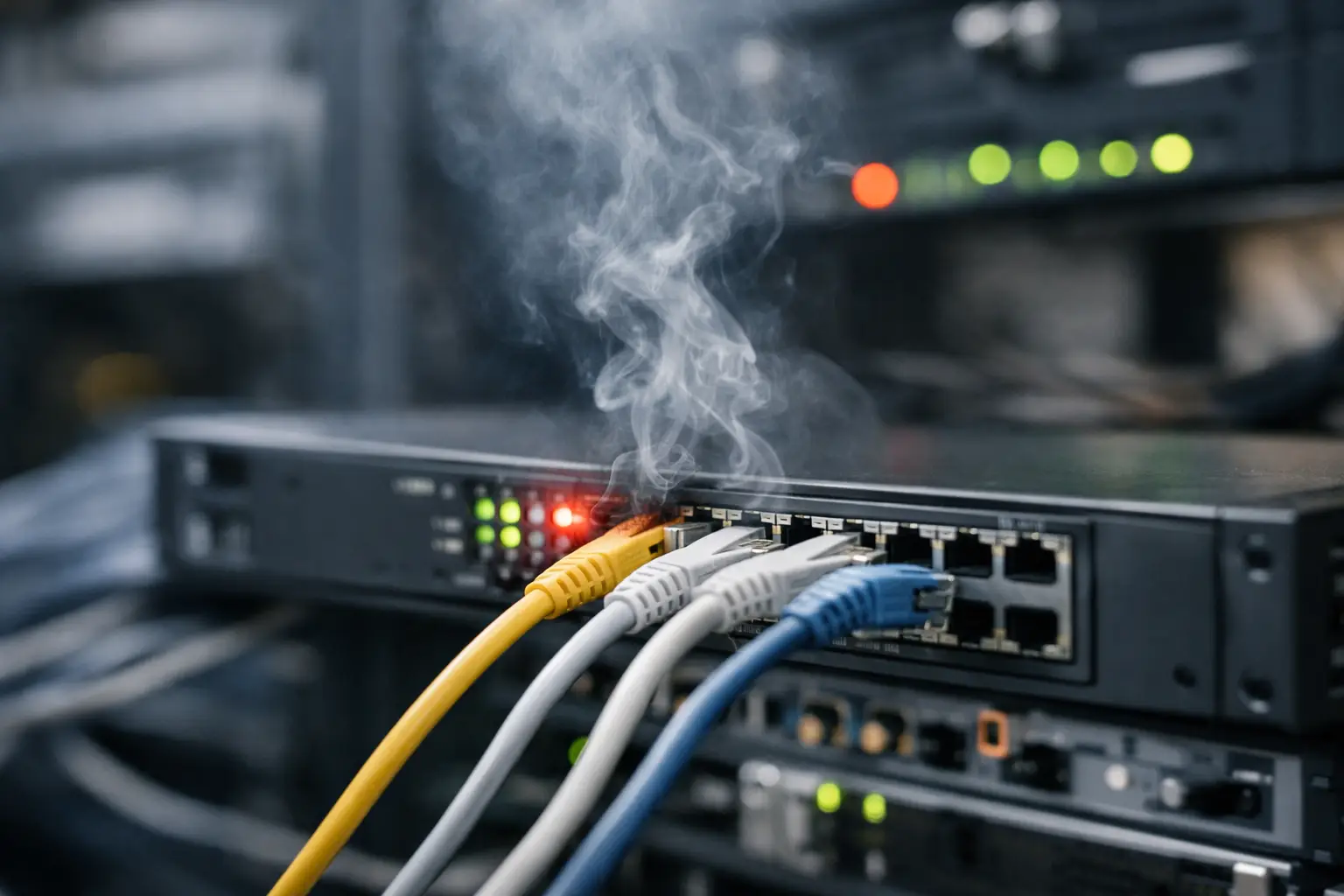
A switch rarely fails at a convenient time. It fails when a tenant cannot reach an application, when door access controllers stop reporting, when a building automation segment goes dark, or when a telecom room loses cooling during a busy operating day. Why do switches fail? Usually, the visible hardware fault is only the final event in a longer chain of neglected power, heat, configuration, lifecycle, or ownership issues.
For commercial properties and enterprise environments, treating a switch as a replaceable box is a costly mistake. It is a point of dependency for users, cameras, wireless access points, building systems, and security devices. The question is not simply whether the switch can be restored. The operational question is whether the organization can identify the cause, contain the impact, and restore service without creating a second failure.
Why Do Switches Fail? The Hardware Is Often Not the Root Cause
Network switches do fail from component age, manufacturing defects, and electrical damage. Power supplies, fans, ports, memory, and internal circuit boards all have finite service lives. But a switch that appears to have "died" may actually be responding to a condition elsewhere in the environment.
A reboot may temporarily restore service after a power event, a software process failure, or a memory leak. Replacing the switch may restore connectivity after an overheating event, even though the telecom room remains too hot. In both cases, the immediate fix can hide the root cause and leave the next device exposed.
This distinction matters in buildings with fragmented responsibility. Facilities may own room conditions and electrical infrastructure. IT may own the switch configuration. A cabling contractor may have installed the pathways and patching. A security or building-systems vendor may own the connected endpoints. When each party repairs only its own layer, no one validates the full service path.
Unstable Power and Failed Backup Power
Power quality is one of the most common contributors to switch failures. A brief outage may be survivable if the switch is connected to properly sized, maintained backup power. Repeated brownouts, voltage irregularities, failed transfer events, and abrupt shutdowns are less forgiving. They can corrupt configurations, damage power supplies, and cause devices to restart in an uncontrolled sequence.
Power over Ethernet adds another layer of risk. A switch may remain online while its available power budget is insufficient for cameras, access points, phones, or controllers. As endpoints are added over time, the power demand can exceed the design assumption. The result may look like random endpoint failures, when the real issue is an overloaded power budget or a degraded backup-power system.
A proper review includes the switch load, the backup-power runtime, battery health, branch-circuit labeling, grounding, surge protection, and shutdown behavior during an extended outage. If no one can show which equipment is protected, for how long, and what must be restored first, the environment is not operationally ready.
Heat, Dust, and Telecom Room Conditions
Switches generate heat continuously. In a clean, conditioned room with adequate clearance and airflow, that heat is manageable. In a crowded closet with blocked vents, failed cooling, construction dust, or stacked equipment, it becomes a reliability problem.
High temperatures shorten the life of power supplies and other components. Dust accumulation restricts airflow and can cause fans to work harder or fail earlier. A closet that is acceptable in winter can become unstable in summer, especially where cooling schedules are reduced after business hours or where nearby building work changes airflow.
The condition of the room is part of the network design, not a facilities detail outside IT's concern. Every critical telecom space should have a documented temperature range, alerting for abnormal conditions, clear equipment access, and a defined owner for correcting environmental issues. A technician should not need to discover a failed cooling unit after the network has already dropped.
Firmware, Configuration, and Capacity Drift
Some switch failures are logical rather than physical. Unsupported firmware can contain known stability defects, security weaknesses, or incompatibilities with newer endpoints. A poorly planned update can introduce its own outage. The answer is not to avoid updates indefinitely. It is to manage them through a tested lifecycle process with configuration backups, maintenance windows, rollback criteria, and documented approvals.
Configuration drift is equally damaging. Over time, ports get repurposed, temporary connections become permanent, VLAN assignments change, and security settings are bypassed to get a device online quickly. The original documentation no longer matches the installed condition. During an incident, responders may not know whether a port is intended for a workstation, camera, controller, wireless access point, or uplink.
Capacity drift creates a slower failure mode. A switch that supported the original tenant build-out may no longer have enough ports, uplink bandwidth, PoE capacity, or processing headroom for current demand. New cameras, Wi-Fi expansion, connected equipment, and tenant changes all add load. The switch may not fail outright, but packet loss, intermittent endpoint behavior, and degraded application performance can become routine.
Cabling and Physical Connections Can Mimic a Switch Failure
A failed port is not always a failed switch port. Damaged patch cords, loose connections, poorly terminated horizontal cabling, water intrusion, bent fiber, and mislabeled cross-connects can all produce symptoms that point back to the switch.
This is especially common after renovations or tenant turnover. Someone moves equipment, uses an available patch cable, changes a port assignment, and does not update records. Later, a service issue is escalated as a network failure because the physical path cannot be verified quickly.
A disciplined diagnosis separates the device, port, patch cord, cable run, endpoint, power source, and configuration. Without that sequence, organizations replace good equipment while the actual defect remains in the pathway or the connected device.
The Ownership Gap Behind Repeated Outages
The most expensive switch failures are recurring ones. They happen when the same site experiences different symptoms but no one owns the corrective action across systems.
Consider a switch that restarts after a utility disturbance. The network team replaces it. Facilities restores the room power. The security team reconnects cameras. Yet no one tests the backup-power sequence, confirms the battery condition, verifies the switch configuration, or records the incident. The next disturbance produces the same disruption, followed by another round of vendor handoffs.
One accountable operating model changes this. It defines who owns the asset record, monitoring, configuration backup, environmental conditions, maintenance schedule, incident coordination, and final acceptance after repair. It does not require one person to perform every task. It requires one standard for proving that the service is restored and the cause has been addressed.
Controls That Prevent Most Avoidable Failures
Prevention is less about buying more equipment and more about maintaining control of the environment. For each critical switch, the operating record should establish these practical controls:
- A current inventory showing location, function, connected services, serial information, support status, and replacement priority.
- A documented power path, including protected outlets, backup-power capacity, battery test results, and the expected behavior during an outage.
- Environmental monitoring for critical telecom rooms, with alerts routed to a team that can act on them.
- Version-controlled configurations, tested backups, approved firmware standards, and a recovery procedure that does not depend on one person's memory.
- Accurate port, patching, and pathway documentation that is updated after construction, moves, additions, and changes.
- Monitoring for port errors, uplink utilization, PoE consumption, temperature, power-supply status, and repeated device restarts.
- A defined incident runbook that identifies escalation roles across facilities, IT, security, and outside service providers.
These controls have a trade-off: they require time during design, turnover, and routine operations. But that effort is far less disruptive than troubleshooting under pressure while occupants, tenants, and leadership are waiting for services to return.
When Replacement Is the Right Decision
Not every switch should be preserved. Replacement is appropriate when equipment is unsupported, has recurring hardware faults, lacks required security capabilities, cannot meet power or bandwidth demand, or has no practical spare strategy. The key is to replace it as part of a controlled lifecycle plan, not as an emergency reaction to the latest outage.
Before a replacement, validate the room power, cooling, rack condition, cabling, configuration, uplink design, and connected-device requirements. Then test failover and restoration before final acceptance. A new switch installed into the same unmanaged conditions is simply a new device waiting for an old problem.
The best time to investigate a switch failure is before the next tenant-facing outage. Treat every incident as evidence about the full environment, assign ownership for the correction, and require proof that the service path can withstand the conditions it will actually face.