
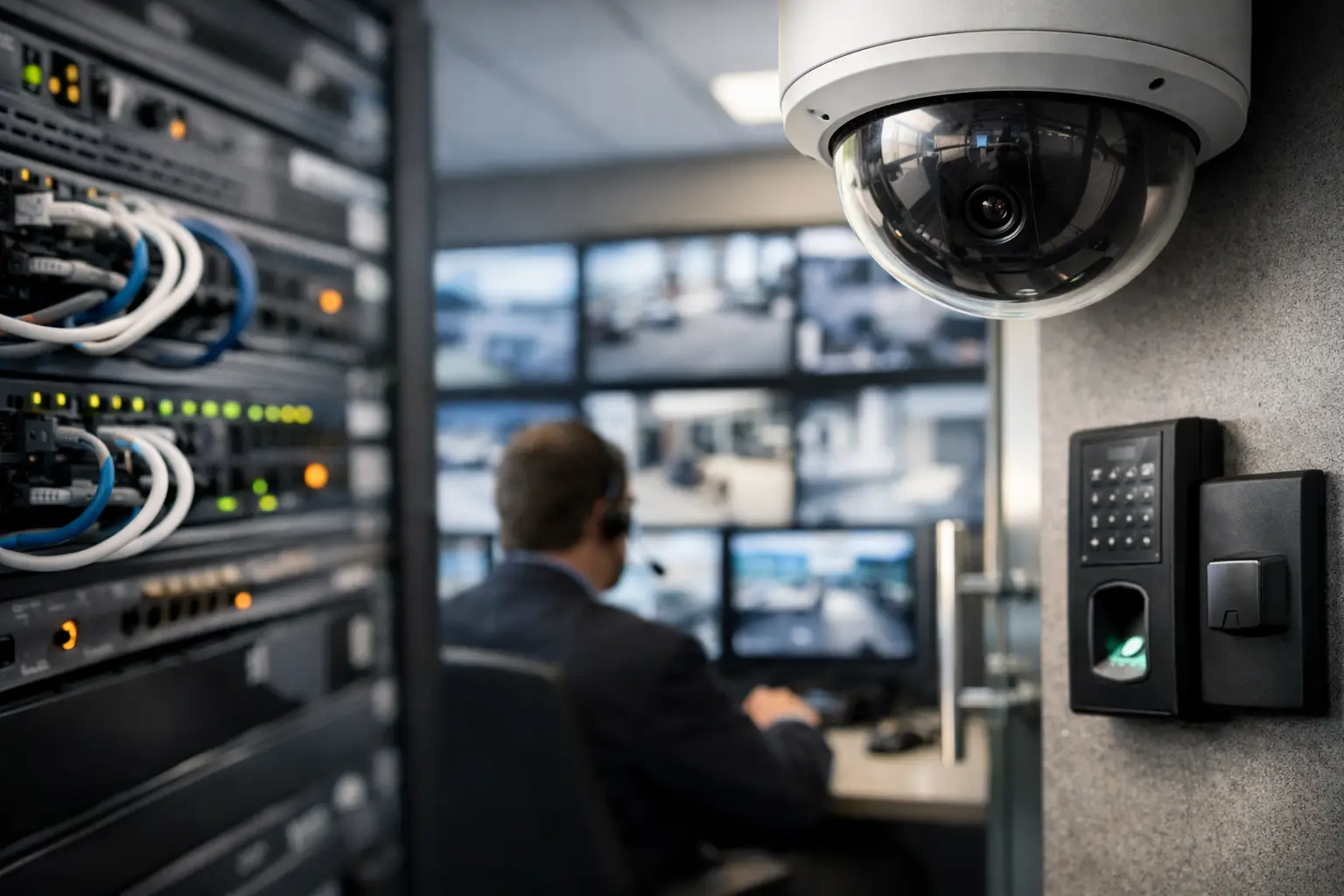
A camera can be installed, powered up, and visible in a monitoring console while the underlying design is already failing. The cable may share an undersized pathway. The switch may have no power budget left for winter conditions. The recorder may sit on the same network segment as everyday office traffic. Physical security network design is where those problems are prevented - or quietly built into the property for years.
For commercial buildings and enterprise sites, security technology is no longer a standalone system managed in isolation. Cameras, access control panels, intercoms, visitor systems, emergency communications, and connected building devices all depend on the same fundamentals: pathways, cabling, telecom rooms, switching, power, addressing, cybersecurity controls, and documented ownership. If those fundamentals are fragmented, the security program inherits the risk.
Start With the Operational Outcome
The first design question is not where to mount a camera. It is what operational event the system must support. A loading dock camera may need usable identification at night, continuous recording, and rapid export after an incident. A perimeter camera may need long-distance coverage and reliable operation during a power interruption. A badge reader at a controlled entrance may need to keep operating locally if the wide-area connection is unavailable.
Those requirements determine network decisions. Resolution, frame rate, retention period, analytics, viewing locations, and failover expectations affect bandwidth and storage. Door count, reader type, controller architecture, and emergency unlock requirements affect panel placement, power, and resilience. Treating these decisions as separate scopes is how a project ends with a security system that works in a demonstration but becomes difficult to operate under pressure.
Facilities, security, IT, and construction stakeholders should agree on a short set of operating scenarios before drawings are finalized. Consider an incident after hours, a switch failure, an extended utility outage, a telecom room flood, a tenant move, or a request for video from six months ago. Each scenario reveals whether the design has a real owner and a realistic recovery path.
Physical Security Network Design Is a Built-System Decision
A security network does not begin at the switch. It begins in the walls, ceilings, pathways, equipment rooms, and electrical design. Cable distance, conduit capacity, firestopping, environmental conditions, grounding, and rack space can decide whether the system remains maintainable after turnover.
Structured cabling should be designed for the device and its lifecycle, not merely for the device being installed this month. A camera location may later require a higher-power model, an added sensor, or a replacement with different mounting needs. A full conduit is not an upgrade plan. Neither is a ceiling route that cannot be accessed without disrupting tenants.
Telecom rooms deserve the same discipline. Security switches, controller enclosures, recorders, and power supplies need labeled rack positions, cooling consideration, protected power, grounding, and documented patching. When security equipment is placed wherever space happens to be available, troubleshooting becomes dependent on tribal knowledge. That knowledge leaves with the installer, the prior property manager, or the last IT administrator.
The design also needs to define edge power honestly. Power over Ethernet simplifies device deployment, but it does not eliminate capacity planning. Total switch wattage, port-level demand, uninterruptible power runtime, and startup behavior during restoration all matter. A switch that can technically support a camera count may still fail the operating requirement if its power supply or battery backup cannot carry the required load.
Segmentation Is Not Optional
Security devices should not be treated like ordinary user devices. They have different patching cycles, management interfaces, traffic patterns, and consequences if compromised. Network segmentation limits unnecessary access and reduces the chance that a problem on one system becomes a problem everywhere.
The exact architecture depends on site size, existing standards, and management capability. A single-property environment may use dedicated virtual networks and tightly controlled firewall rules. A distributed portfolio may require local services, centralized management, and carefully governed remote access. What matters is that the design documents the permitted traffic flows, identifies who administers them, and includes a process for approving changes.
Avoid the common shortcut of placing cameras and access control equipment on an isolated network that nobody monitors. Isolation without lifecycle ownership can create a blind spot. Devices still need secure administration, time synchronization, firmware governance, logging, backups, and an incident response path.
Design for Failure, Not Just Normal Operation
Normal operation is the least demanding condition a security environment will face. The useful test is what happens when a component, utility feed, uplink, or room becomes unavailable.
Not every site needs duplicate hardware at every layer. That would be expensive and, in some cases, difficult to support. But every site needs explicit decisions about acceptable downtime. A small office may accept temporary loss of noncritical video during a network event. A high-traffic facility with controlled entrances may require controller autonomy, protected network paths, and backup power that supports a defined period of operation.
This is where business requirements must be translated into technical controls. If door access must continue during an internet outage, confirm that controllers can make local decisions and that credentials are available locally. If video must be reviewed during a core network failure, confirm the recording and viewing architecture supports that outcome. If a security operations team depends on alerts, confirm what happens when a device loses connectivity or storage reaches capacity.
A practical acceptance plan should test at least these conditions:
- Loss of utility power and actual runtime on protected circuits
- Failure of a security switch, uplink, or network path
- Loss of internet or cloud connectivity where applicable
- Controller behavior during server or wide-area disruption
- Video retrieval, export, retention, and time accuracy
- Alarm delivery, escalation, and documented response ownership
These tests should be witnessed, recorded, and tied to corrective actions. A contractor checklist alone is not final acceptance. The building owner or designated operator needs evidence that the environment performs as designed.
Control the Ownership Gaps
Physical security projects often cross too many boundaries: electrical work, low-voltage cabling, network configuration, security hardware installation, software setup, cybersecurity policy, and ongoing support. Each party may complete its narrow task while nobody confirms the full service works.
That is an ownership problem, not a technology mystery.
Assign one accountable owner for the end-to-end operating outcome, even when multiple specialists perform the work. That owner should maintain the design standard, coordinate dependencies, approve deviations, validate testing, collect documentation, and govern changes after turnover. One relationship and one standard reduce the familiar cycle of handoffs: the installer points to the network team, the network team points to the software provider, and the property team is left with an unlocked door or missing video.
Documentation should be treated as an operating control. At minimum, maintain current device inventories, network diagrams, cable test results, port and addressing records, power calculations, configuration backups, administrator access records, warranty details, and escalation procedures. If a site cannot identify what is connected, where it is powered, and who can change it, it cannot govern the system effectively.
Build Lifecycle Work Into the Design
The network that supports physical security will change. Firmware updates will be released. Certificates will expire. Storage demand will grow. A tenant improvement may add doors and cameras. A switch may reach end of support before the security hardware does.
Design decisions should make those changes manageable. Reserve rack and pathway capacity where growth is plausible. Standardize device naming and labeling. Use documented configuration templates. Define maintenance windows and a method for testing updates before broad deployment. For larger portfolios, use a common inventory structure so leaders can compare risk, age, and support status across sites.
There is a trade-off here. More standardization can limit local flexibility, but uncontrolled local variation makes support slower and incident recovery less predictable. The practical answer is not to force every building into an identical design. It is to establish a controlled baseline, document approved exceptions, and make exceptions visible to the people accountable for operations.
A good design also plans for turnover before installation begins. Require final drawings that reflect field conditions, not just the original design intent. Require credentials and ownership transfer procedures. Require training based on the actual operating workflow. Most importantly, require a defined post-occupancy period for resolving defects that only appear after real users, real traffic, and real building conditions arrive.
The next time a security project is reviewed, ask one question that cuts through scope boundaries: when a door, camera, switch, or recorder fails at 2:00 a.m., who owns restoration from the device to the network to the operating procedure? If the answer is unclear, the design work is not finished.